Add a game. It installs itself.
Press “Add & install” in the XLibrary browser extension, or paste a download link into a game's Downloads section. XLibrary picks the best mirror for your system, downloads the game with resume, unpacks the archive with the password from the thread, finds the launch file and tells you when the game is ready to play.
- Since version 3.0.0
- Windows, macOS, Linux and Steam Deck
What happens after you press Add & install
Add & install
Press it in the extension panel on an F95zone or LewdCorner page, or use “Download from this thread”. XLibrary picks the best mirror for your system.
Download
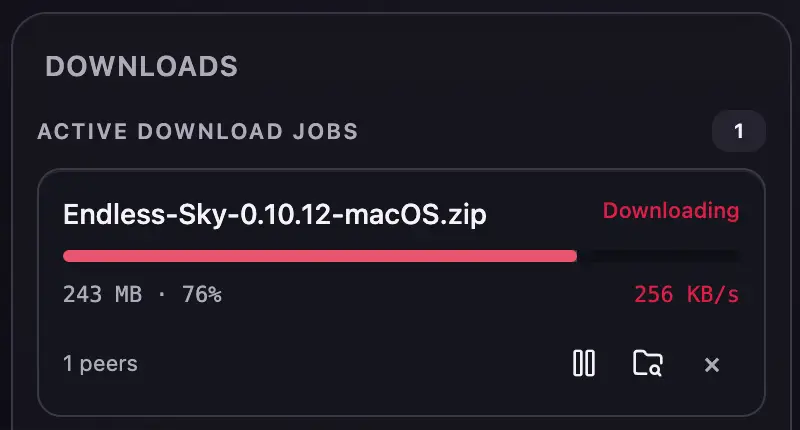
Pixeldrain, MEGA, MediaFire and BuzzHeavier files are downloaded by XLibrary itself and resume after interruptions. Three downloads run at a time.
Unpack
The full 7-Zip is built in, so multi-part RAR and split 7-Zip archives work. The password comes from the game's thread.
Find launch file
The best launch file for your system is picked automatically, and the installed version is detected from the game files.
Play
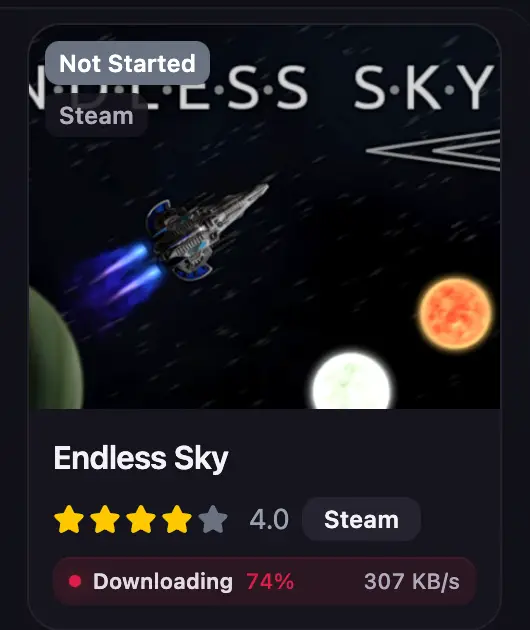
You see “installed · Play” in the app and in the extension panel, with a system notification when the window is in the background.
File hosts and mirror fallback
If a file host refuses a download because the file was removed, a captcha is needed or the quota wait is long, XLibrary switches to the next mirror from the game's thread by itself.
Hosts that need a browser, with captchas or timers, open in your browser or go straight to JDownloader in one click.
RPDL torrents
RPDL torrents download inside XLibrary with your RPDL account. Your sign-in is kept in the system keychain and renews itself before the session expires, so you only enter the password again if you change it.
RPDL problems are explained in plain words: the session has ended, the torrent was removed, too many requests or the site is unavailable. A download that waited for an RPDL sign-in continues as soon as you sign in.
JDownloader
XLibrary hands JDownloader one best mirror for your system with all its parts, so the same game isn't downloaded several times. When JDownloader finishes, XLibrary picks up the files and installs the game.
Archives and passwords
XLibrary ships the full 7-Zip, so multi-part RAR archives are extracted without installing anything else. The archive password is taken from the thread. If it is missing or wrong, the download waits for you to enter it, even after a restart.
itch.io
Add your itch.io API key once to download the files of games you own from the game window.
Installs that don't break
- Before a download starts, XLibrary checks that there is room for both the download and the installed game.
- Archives are extracted next to the games folder and moved into place in one step, so an interrupted install never leaves a half-copied game.
- A lost network pauses the download until the connection is back. A full disk pauses it until space is freed.
- Downloads pause while you play and, on Steam Deck, while on battery. Both can be turned off in Settings.
- A stopped install offers the right next step: “Retry install” after a failed extraction or lack of space, “Download again” when the downloaded files are damaged or gone.
Questions about this
What if a host needs a captcha?
XLibrary opens such hosts in your browser or sends them to JDownloader in one click. If a host refuses the download, XLibrary moves to the next mirror from the thread.
Do I need to install 7-Zip or WinRAR?
No. XLibrary ships the full 7-Zip, which extracts multi-part RAR and split 7-Zip archives.
Does XLibrary download games from its own servers?
No. Game files come straight from the original hosts: Pixeldrain, MEGA, MediaFire, BuzzHeavier, RPDL or JDownloader. The XLibrary catalog provides only game data and covers.