Updates that keep your saves.
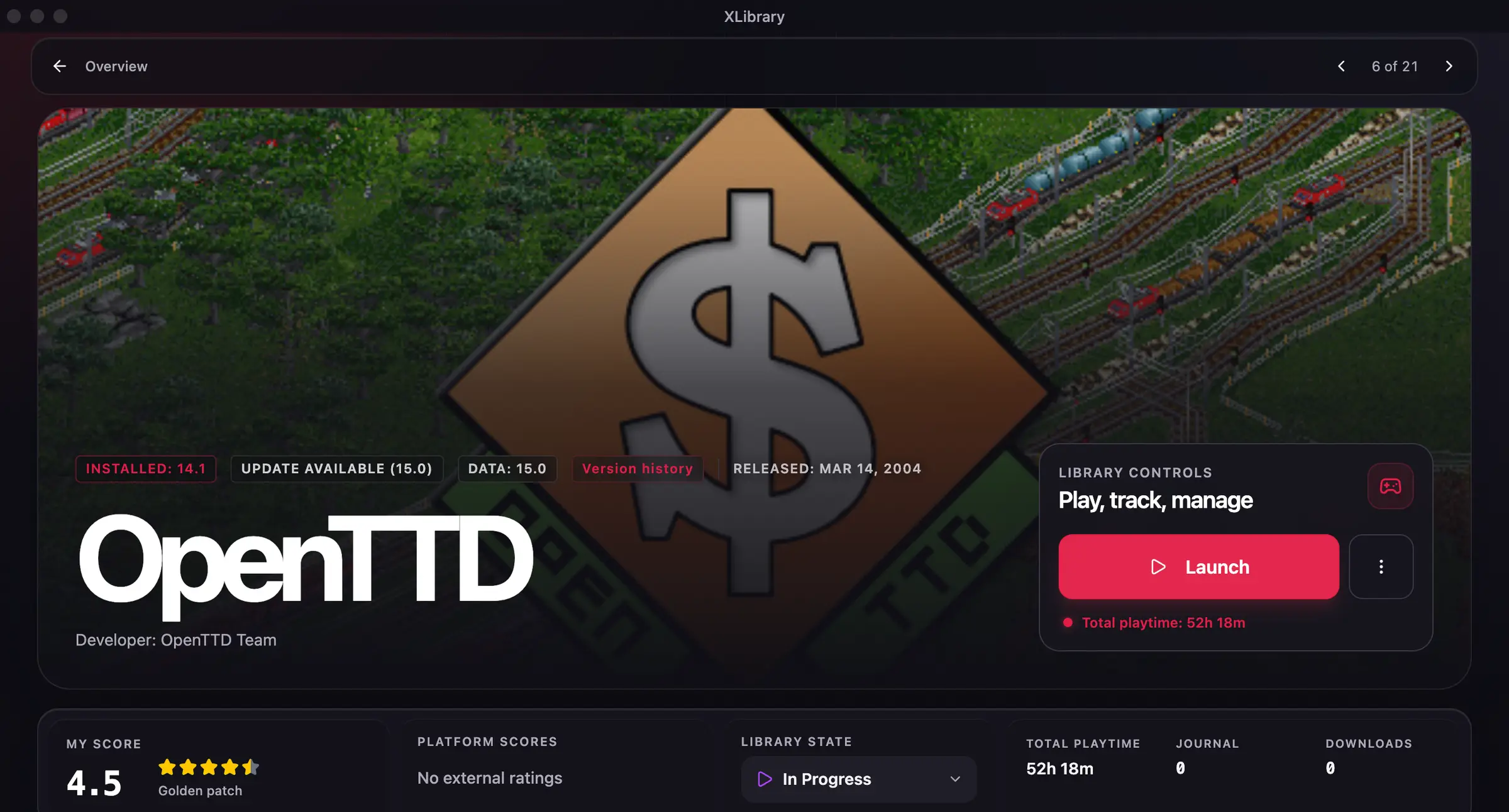
When a new version of a game is out, XLibrary shows a notification with an Update button. It installs the new version next to the one you have, backs up your saves, moves your mods and translations over and keeps the previous version until the new one has run fine twice. Automatic updating stays off unless you turn it on.
- Since version 3.1.0
- Ren'Py, Unity and NW.js saves
How XLibrary updates a game
You get a notification
XLibrary checks your games against the XLibrary catalog, so you hear about a new version as soon as it is out.
The new version installs next to yours
“Update” in the notification downloads it and installs it beside the current version. Launch settings carry over: CrossOver, Locale Emulator or Sandboxie, the runtime, launch parameters and working folder.
Your saves are backed up
Before every update XLibrary backs up the saves in the game folder and the profile folders of Ren'Py, Unity and NW.js games.
Mods and translations move over
Your mods and translations go to the new version. Game files you replaced are left out, and the notification tells you how many.
The old version stays until it's safe
After the new version has run fine twice, the previous one goes to the Trash a day later. Press “Keep” to keep it for good. The version you play is never moved to the Trash.
Restore saves in one click
Save backups are in the game's launch menu. Before a restore, XLibrary backs up your current saves again, so a restore can be undone.
Rollback
If the new version closes right after launch, the notification offers to make the previous version the default again.
Torrent updates download only what changed
Updating a torrent download of an installed game reuses its unchanged files and downloads only what changed, often megabytes instead of gigabytes.
Automatic updates are opt-in
XLibrary doesn't update a game on its own unless you ask it to. Turn automatic updates on for the whole library in Settings → System, or for a single game in its launch menu.
Updating a Ren'Py game by hand
Without XLibrary, this is the careful way to do it:
- Extract the new version into a new folder. Don't unpack it over the old one.
- Copy the
game/savesfolder from the old version to the new one. Ren'Py also keeps a copy of saves in%APPDATA%\RenPyon Windows,~/Library/RenPyon macOS and~/.renpyon Linux. - Copy your mods and translation files into the new
gamefolder. - Start the new version and load a save. Delete the old folder only after that works.
Questions about this
Which saves does XLibrary back up?
The saves in the game folder and, for Ren'Py, Unity and NW.js games, the profile folders where these engines keep saves.
Can XLibrary update games automatically?
Yes, if you turn it on. Automatic updating is off by default. Turn it on for the whole library in Settings → System or for a single game in its launch menu.
What happens to the old version?
It stays installed. After the new version has run fine twice, XLibrary moves the old one to the Trash a day later, unless you pressed “Keep”. The version you play is never moved to the Trash.